Parlez-nous, obtenez une solution en 20 minutes
Veuillez nous faire part de vos exigences et de vos demandes spécifiques. Nous trouverons alors la solution la plus rapide et vous la renverrons gratuitement.
Veuillez nous faire part de vos exigences et de vos demandes spécifiques. Nous trouverons alors la solution la plus rapide et vous la renverrons gratuitement.
Un palpeur CNC n'est pas seulement un capteur sophistiqué que vous utilisez occasionnellement pour régler les pièces à usiner. Lorsqu'il est correctement étalonné, il devient l'un des outils les plus puissants de votre atelier : il permet de gagner du temps, de réduire les rebuts, d'améliorer la réussite de la première pièce et de rendre la configuration et l'inspection prévisibles au lieu d'être devinées.
Mais voici la vérité que la plupart des concurrents ne soulignent pas :
L'étalonnage n'est pas quelque chose que l'on fait une fois et que l'on oublie. C'est le processus de base qui détermine si vos données de palpage sont fiables ou trompeuses. Si votre palpeur n'est pas étalonné de manière précise et cohérente, toutes les mesures qu'il effectue - des arêtes aux centres d'alésage - sont entachées d'erreur.
Ce blog explique pourquoi l'étalonnage est important, ce qu'il fait réellement et comment l'intégrer à votre flux de travail régulier d'une manière claire, réalisable et fondée sur l'expérience réelle de l'atelier - et non sur des spécifications techniques arides.
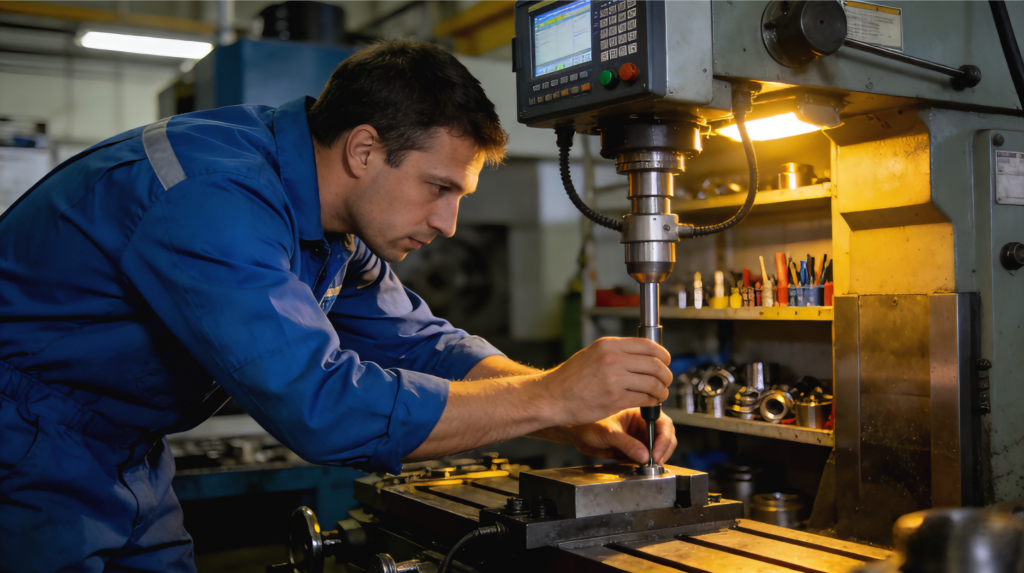
Imaginez ce scénario :
Vous configurez une pièce à l'aide du palpeur, mais vous vous apercevez plus tard que les positions des trous ne sont pas correctes. Tout semblait correct lors de la configuration.
Voici le problème :
Un palpeur CNC ne connaît pas automatiquement l'emplacement exact de la pointe du stylet ni la déviation qu'il subit avant de signaler le contact. Le contrôleur pense que le point de déclenchement est exact, mais en réalité, ce déclenchement se produit après une infime déviation du mécanisme du palpeur.
Cela peut sembler anodin, mais dans l'usinage de précision, les petites erreurs s'accumulent rapidement. L'étalonnage mesure et compense cette déviation afin que chaque contact avec le palpeur se traduise par une coordonnée réelle et utilisable.
Et même plus que cela :
Sans étalonnage, votre sonde peut être précise mais imprécise - la pire des fausses confiances.
En savoir plus sur les outils de haute précision CNC Probe sonde cnc.
En fait, l'étalonnage indique au contrôleur de la CNC :
“C'est l'endroit où se trouve la pointe du stylet lorsque la sonde signale le contact.”
Pour ce faire, l'étalonnage doit prendre en compte
Lorsque l'étalonnage est bien fait, tous les mouvements de palpage futurs se réfèrent à un système de coordonnées connu et corrigé au lieu d'une hypothèse.
Il s'agit d'apprendre à votre sonde à “parler le langage de la machine” avec précision, au lieu de laisser la machine deviner ce que la sonde lui dit.
Explorer les blocs et outils d'étalonnage CNC Probe sonde cnc.
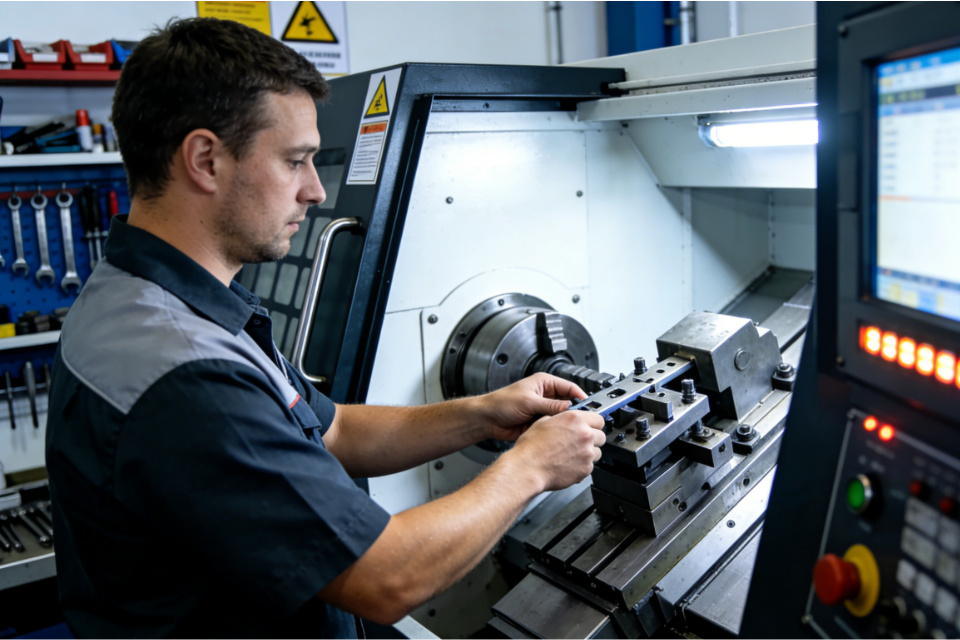
Pour calibrer, vous avez besoin d'un objet de référence - un objet dont la géométrie est connue et précise, par exemple :
Vous placez cet artefact sur la machine, puis la sonde le touche de manière contrôlée afin que le logiciel puisse comparer les positions de contact réelles avec les positions attendues.
Cette comparaison révèle deux éléments essentiels :
À partir de là, la machine élabore une compensation - il ne s'agit pas d'une supposition, mais d'une correction fondée sur des données.
En savoir plus sur les palpeurs CNC de haute précision sonde cnc.
C'est la méthode la plus courante pour les ateliers de base et les travaux généraux.
Vous sondez plusieurs points sur un artefact connu (comme une jauge à anneaux). Le contrôleur calcule la différence entre la géométrie mesurée et la géométrie réelle. Cette différence devient le décalage d'étalonnage utilisé pour les sondages ultérieurs.
Pourquoi c'est puissant :
Il corrige la déviation de la gâchette en une seule valeur que le contrôleur applique automatiquement à chaque mouvement de la sonde.
Il s'agit de l'étalon-or lorsqu'une précision absolue est requise, en particulier pour les travaux à 5 axes et les travaux de haute précision.
La sonde entre en contact avec la sphère d'étalonnage en de nombreux endroits. Une “carte” de la déviation de la gâchette de la sonde en fonction de la direction est générée. Le contrôleur utilise cette carte pour effectuer des corrections spécifiques à la direction.
Si votre palpage implique des mouvements angulaires ou des positions multi-axes, cette méthode améliore considérablement la fidélité, en particulier sur les pièces complexes.
Découvrez les sondes CNC de mesure de haute précision sonde cnc.
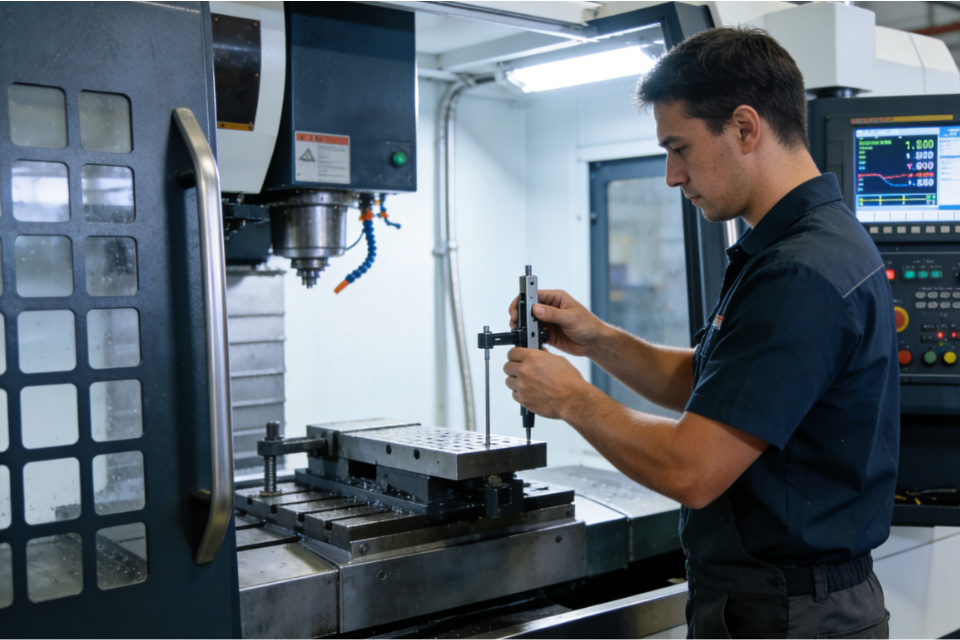
Voici l'essentiel de ce qui se passe dans un cycle d'étalonnage, en langage courant :
Cette routine est la différence entre deviner vos décalages et les connaître comme des faits.
Visitez la page d'accueil de CNC Probe sonde cnc.
L'étalonnage doit faire partie du rythme régulier de votre atelier :
Les sondes ne vieillissent pas comme des outils dans un tiroir - elles s'usent à cause de l'utilisation, des vibrations et des chocs. L'étalonnage garantit que l'usure ne se glisse pas silencieusement dans votre travail.
Explorer les outils d'étalonnage pour les grandes courses CNC Probe sonde cnc.
L'étalonnage ne se limite pas à la correction d'un seul chiffre - il s'agit de faire en sorte que les résultats des sondages soient fiables d'un cycle à l'autre, d'un opérateur à l'autre. Une sonde correctement étalonnée garantit :
L'étalonnage renforce la cohérence, et c'est là que réside la véritable puissance de l'atelier.
En savoir plus sur les produits de palpage CNC sonde cnc.
L'usinage de qualité n'est pas qu'une question de matériel, c'est aussi une question de confiance dans les données.
Lorsque vous prenez le temps d'étalonner correctement et régulièrement votre sonde CNC, vous déverrouillez :
Ce n'est pas du marketing, c'est du contrôle de processus.
Et c'est là le véritable avantage du sondage calibré :
Pas de mesures plus rapides.
Pas des outils brillants.
Mais un flux de travail auquel vous faites confiance sans hésitation.