Поговорите с нами, получите решение за 20 минут
Пожалуйста, дайте нам знать любые требования и специфические запросы, тогда мы выработаем решение в кратчайшие сроки и вышлем его бесплатно.
Пожалуйста, дайте нам знать любые требования и специфические запросы, тогда мы выработаем решение в кратчайшие сроки и вышлем его бесплатно.
Зондирование на ЧПУ - это не просто “роскошная функция автоматизации”. Это способ превратить ваш станок в измерительный прибор, который может автоматически находить элементы, задавать смещения и проверять размеры. В системах управления Fanuc измерительные функции особенно эффективны, поскольку система управления интегрирует циклы измерения непосредственно в свою логику и поддерживает расширенные процедуры для настройки работы и инструмента.
Но есть кривая обучения: как измерять, как устанавливать значения и как проверять их таким образом, чтобы повысить точность и сэкономить время? Давайте разберемся в этом на примере реальных магазинов.
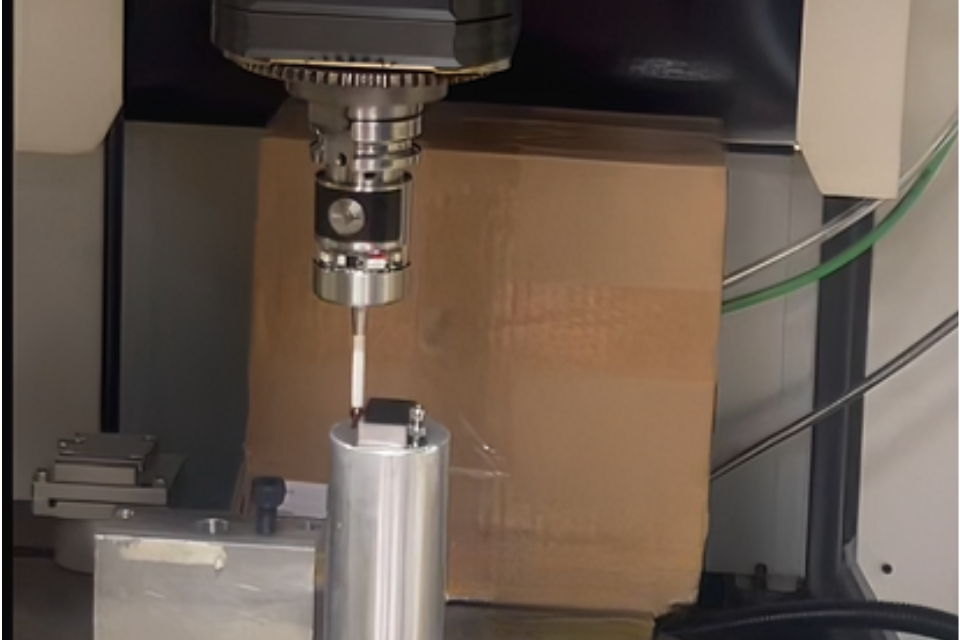
В системе ЧПУ Fanuc датчики - это не просто устройства “наведи и останови”, это инструменты, которые взаимодействуют с логикой управления движением системы ЧПУ. Вы посылаете команду на зондирование, станок перемещает зонд до обнаружения контакта, а контроллер фиксирует точное положение, в котором произошел контакт.
Это превращает станки Fanuc из резаков в измерительные машины, способные:
Хорошо отлаженная процедура измерения сокращает время настройки, повышает воспроизводимость и сокращает количество брака, поскольку станок не гадает, где находятся кромки или поверхности, а измеряет их за вас.
Высокоточные измерения с помощью датчиков с ЧПУ cnc-probe.
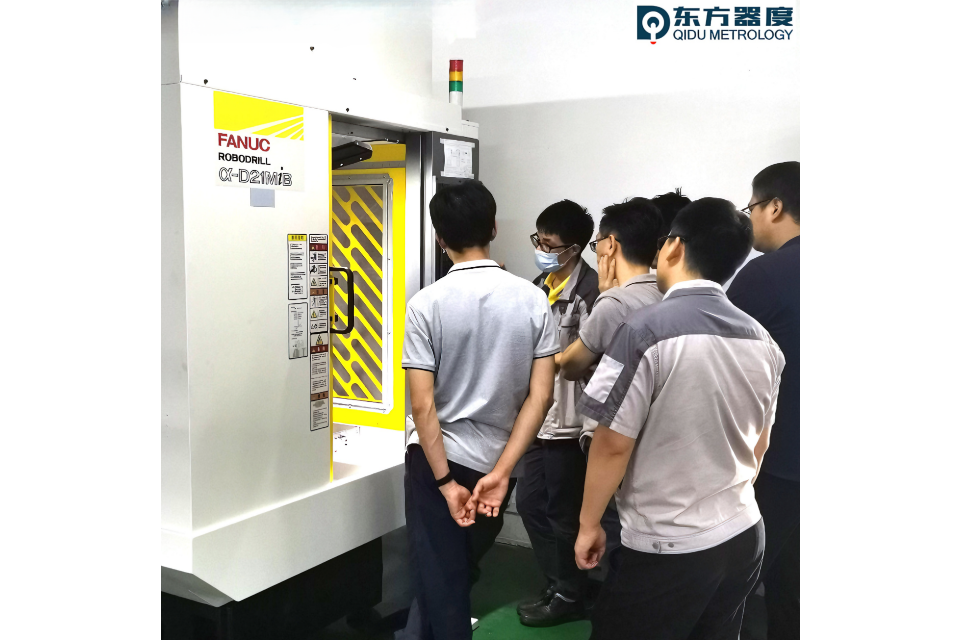
Fanuc поддерживает несколько подходов к зондированию - от простых команд пропуска до полных макроциклов:
Это самая простая форма зондирования, доступная на Fanuc:
На практике это выглядит так:
G91 G31 Z-50. F100
Это означает: в инкрементальном режиме перемещайте Z вниз до срабатывания датчика. Когда контакт произойдет, движение немедленно остановится, и контроллер запишет положение.
Для базового обнаружения краев или поверхностей это часто бывает достаточно - но при этом не происходит автоматической установки смещений.
Для настройки смещения в реальной работе и выполнения стандартных задач (например, поиска кромок или центра) в большинстве станков Fanuc используются макросы для измерений, вызываемые с помощью G65. Эти макросы содержат всю необходимую логику - приближение, захват точки контакта, вычисление смещения и сохранение.
Узнайте больше о лазерных станках с ЧПУ cnc-probe.
Типичный случай использования: нахождение поверхности детали и точная установка системы координат для обработки.
Вот общая логика:
Fanuc сохраняет это значение в рабочем смещении, например, G54.
Изучите однокоординатные станки с ЧПУ с проводным креплением инструмента cnc-probe.
Измерять один раз и считать результат правильным может быть рискованно - особенно при выполнении критических работ, когда крепление может немного сместиться или исходный материал неоднороден.
Проверка включает в себя один из этих подходов:
Эта более глубокая интуиция - измерение для проверки, а не просто однократное измерение и слепое доверие - вот что отличает надежные процедуры зондирования от хрупких установок.
Проверьте проводные контактные датчики с ЧПУ cnc-probe.
Смещение длины инструмента так же важно, как и смещение заготовки. В системах Fanuc для измерения длины инструмента часто используются такие процедуры, как G76: станок измеряет положение наконечника инструмента относительно известной поверхности и обновляет регистр смещения инструмента.
В отличие от рабочих смещений детали (G54, G55 и т. д.), которые хранятся в регистрах рабочих координат, измерения инструмента заполняют регистры смещений инструмента (значения H). Измерение и проверка этих значений перед началом обработки обеспечивает постоянную глубину резания и точность детали.
Установить зачеты - это половина дела, остальное - их проверка.
Хорошие любители прощупывающих процедур не просто говорят “трогай и устанавливай”. Они говорят:
Это превращает зондирование из разового измерения в уверенную проверку основы обработки.
Это разница между “Я думаю, что происхождение правильное” и “Контроль знает, что происхождение правильное”.”
Узнайте больше об оптических проводных пятиосевых контактных инструментальных установках с ЧПУ cnc-probe.
Старый ручной метод - кромкоискатель или циферблатный индикатор - полагается на ощущения и интерпретацию оператора. Он эффективен в руках опытных машинистов, но он неэффективен:
Исследование на Fanuc дает вам:
То, что вы теряете в тактильных ощущениях, вы приобретаете в данных и уверенности - а в современных условиях производства данные всегда важнее ощущений.
Посетите изделия с датчиками ЧПУ cnc-probe.
Вот тот ментальный сдвиг, который отличает обычное использование зонда от продвинутого:
Зондирование - это не “двигаться, пока не почувствуешь контакт”, а “собирать точные координатные данные и использовать их для принятия решений по резке”.”
На Fanuc это означает использование:
Именно так выглядит настоящая обработка, управляемая метрологией, а не просто жестко закодированный G-код.
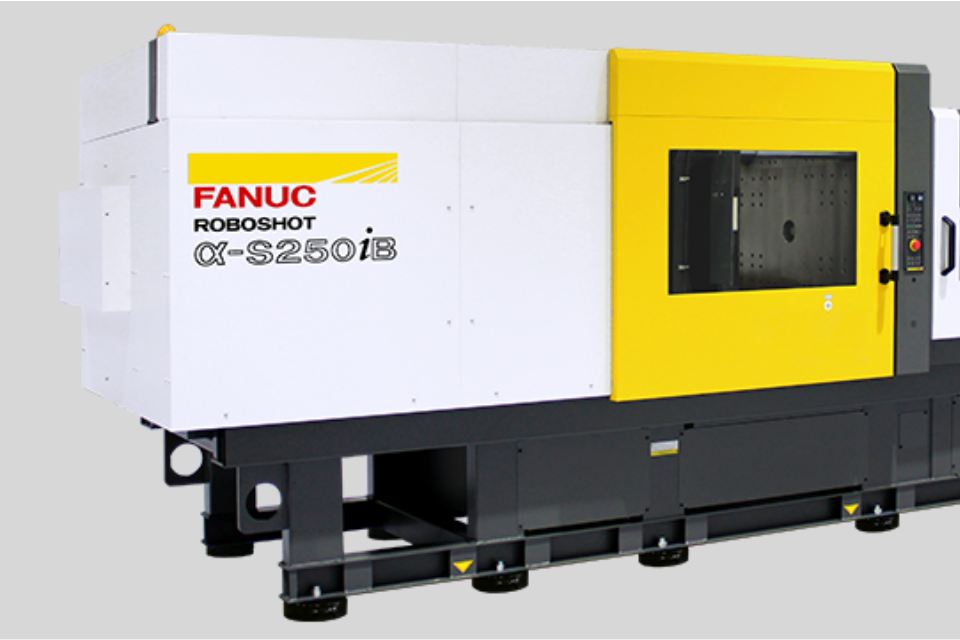
Измерения Fanuc - это не просто флажок в руководстве, это набор инструментов для точной подготовки. Измерение без настройки и проверки - это все равно что сделать замер, но не записать его - ценность теряется.
Интеграция процедур измерения, настройки и проверки: